
Our features
CommsUp drafts your Google Business Profile description, review replies, service copy, local keywords, and weekly posts — written for your trade and your city.
You approve every draft, then paste it into Google. Nothing posts automatically.
The CommsUp's Agent is the assistant built into your Dashboard, designed to help local trade and home-service businesses strengthen their Google Maps and local search presence through ready-to-use drafts. It handles three core jobs: writing SEO-tuned Google Business Profile copy (descriptions, categories, service lists, Q&A, and keywords tailored to your business details), drafting review replies that match the tone of the original review and reference specifics from it, and generating locally relevant, keyword-optimized posts, blog articles, and social captions.
The Reviews and Content tabs offer the same three functions through dedicated forms rather than a chat interface; the Agent is simply the conversational version that ties all three together in one place.
"A month of post ideas, ready to paste, before you’ve written a word."
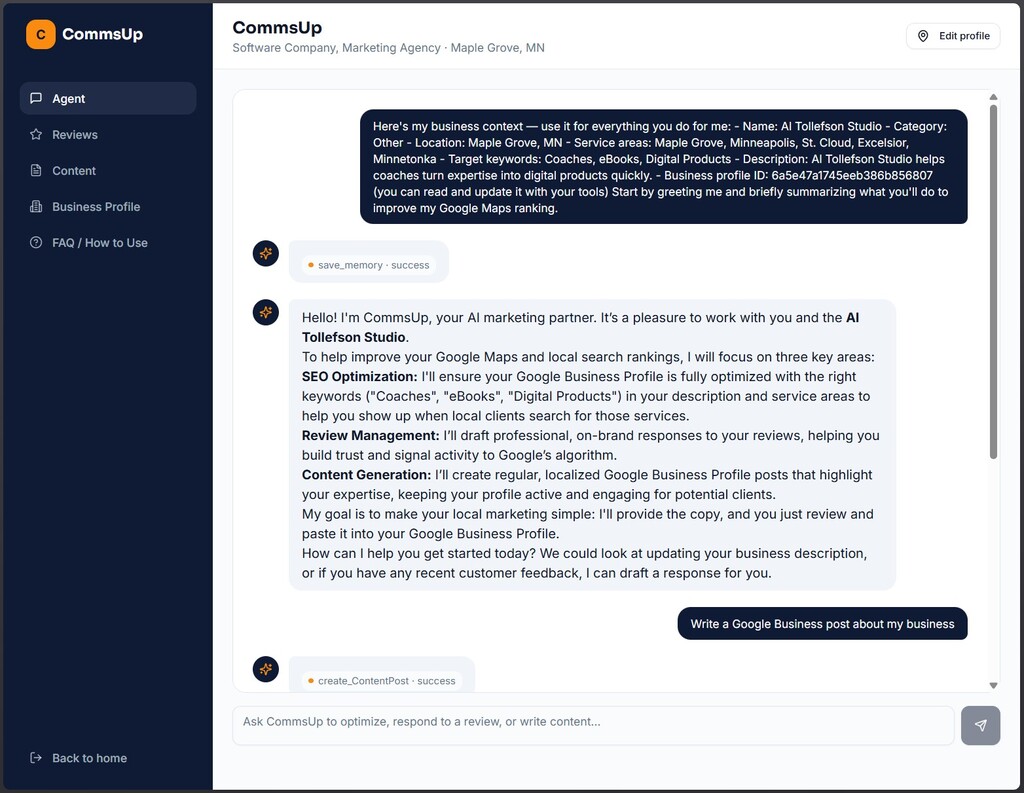
Review Management — When you paste in a customer review (with star rating and text), it drafts a professional, on-brand reply. It matches the tone to the rating (grateful for 5-star reviews, empathetic and solution-oriented for negative reviews), mentions your business name, references specific details from the review, and includes local keywords naturally. You can copy and paste the response into your GBP. If you don't like the response, you can regenerate a new response.
"Matched to a 4-star review — not a generic 'thanks so much!' reply."
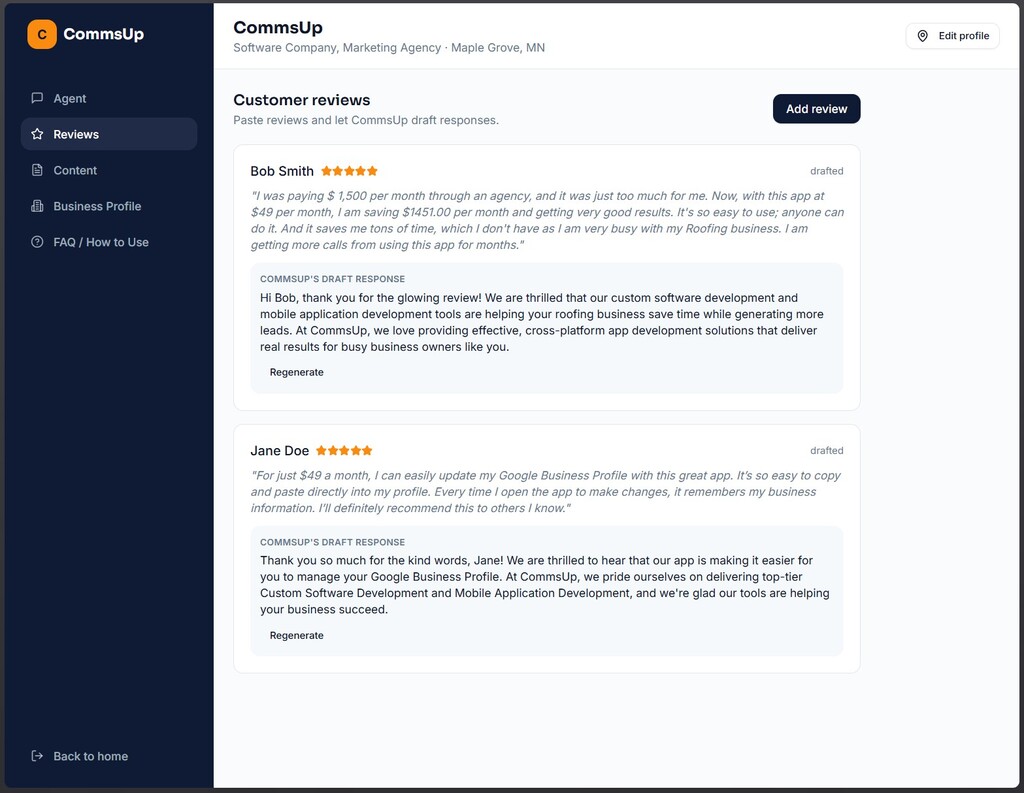
Content Generation — Drafts Google Business Profile posts, short blog articles, and social captions that are locally relevant (your city, seasonal events, local landmarks) and keyword-optimized without stuffing.
Profile Description generator: "560 characters, well within Google’s 750-character limit."
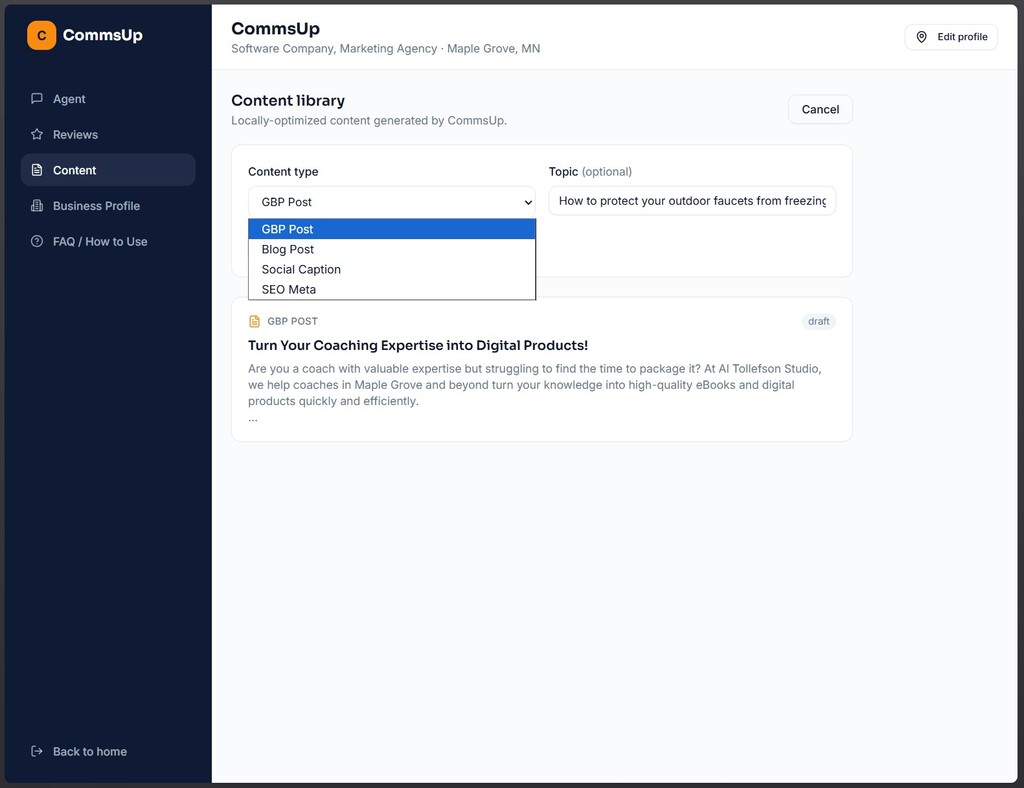
You can update your Business Profile any time you need to. If there is a change to your Business Name, Category, City, State, Phone, Website, Business description, Target keywords, or your Service area, simply open your business profile, make your changes, click "Save changes," and you're all set.
"Five minutes, once. Then you just ask for what you need."
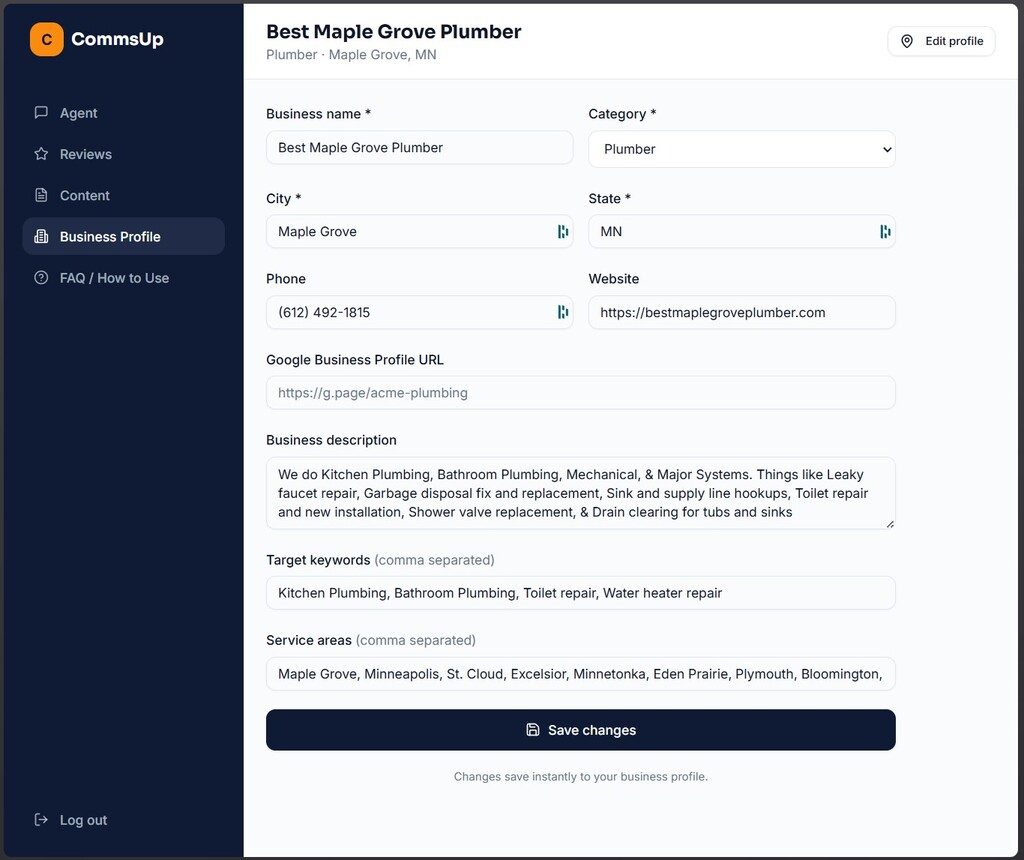
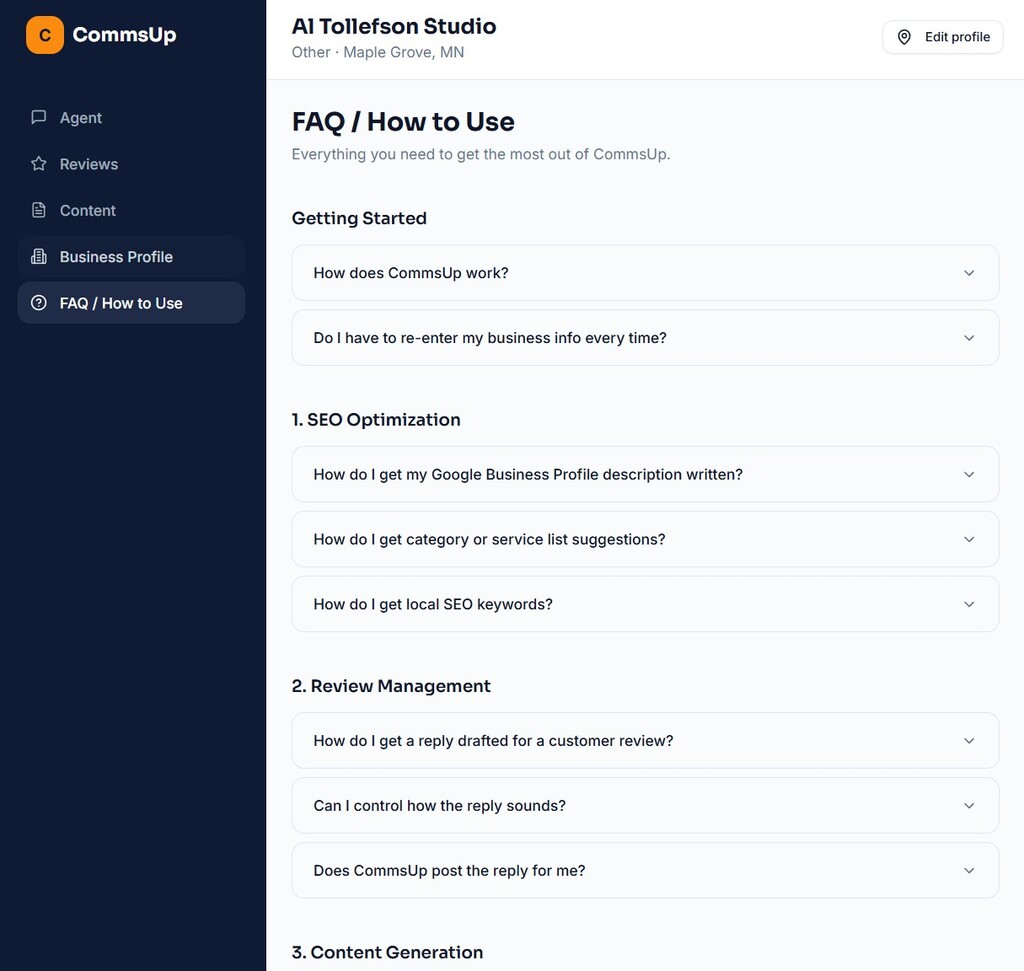
This FAQ section simply explains how to use this App. If you have any other questions or issues with the app, feel free to reach out directly to Al Tollefson and he will get back to you promptly. (He typically replies within a few hours).
You can but, here is what usually goes wrong.
ChatGPT does not remember your business.
Every request starts over — your trade, your city, your services, your service areas, your voice. By week three, most owners stop asking.
Free extensions write generic replies.
Customers can tell. A reply that could have been left under any business in any city does less for you than no reply at all.
Neither one knows Google’s rules.
A profile description has a 750-character limit and a specific category taxonomy. A review reply should read differently at two stars than at five. CommsUp is built around those constraints.
The real problem is not access to AI. It is that nobody keeps it up.
CommsUp exists so that your profile stays active during the weeks when you are too busy to think about marketing. You quickly log in, get done what you need and copy/paste the info into your Google Business Profile quickly, and your are done.
| At a Glance | ChatGPT (free) | Free GBP extension | CommsUp |
|---|---|---|---|
| Remembers your trade, city, and voice | No — every time | Sometimes | Yes |
| Tuned to Google’s character limits and categories | No | Varies | Yes |
| Rating-aware review replies | Only if you prompt it well | No | Yes |
| Weekly post reminders without you asking | No | No | Yes |
| Cost | Free | Free to low-cost | $49/month |